Step-by-step instructions for submitting your manuscript through Scholastica.
BCPHR manages all manuscript submissions through Scholastica. This page walks through the submission process from creating an account to confirming your submission.
BCPHR uses Scholastica as its editorial management platform. Scholastica handles manuscript intake, peer review tracking, revision management, and editorial communication in one place. BCPHR does not accept email submissions; all manuscripts must be submitted through Scholastica.
Visit scholasticahq.com and create a free account. You will need an institutional or professional email address. Linking your ORCID identifier is recommended.
Search for "BCPHR" or "Boston Congress of Public Health Review" in the Scholastica journal directory. Click "Submit a Manuscript."
Upload your manuscript file (Word format), figures, tables, supplementary materials, and your cover letter. Use BCPHR templates to ensure all required elements are included.
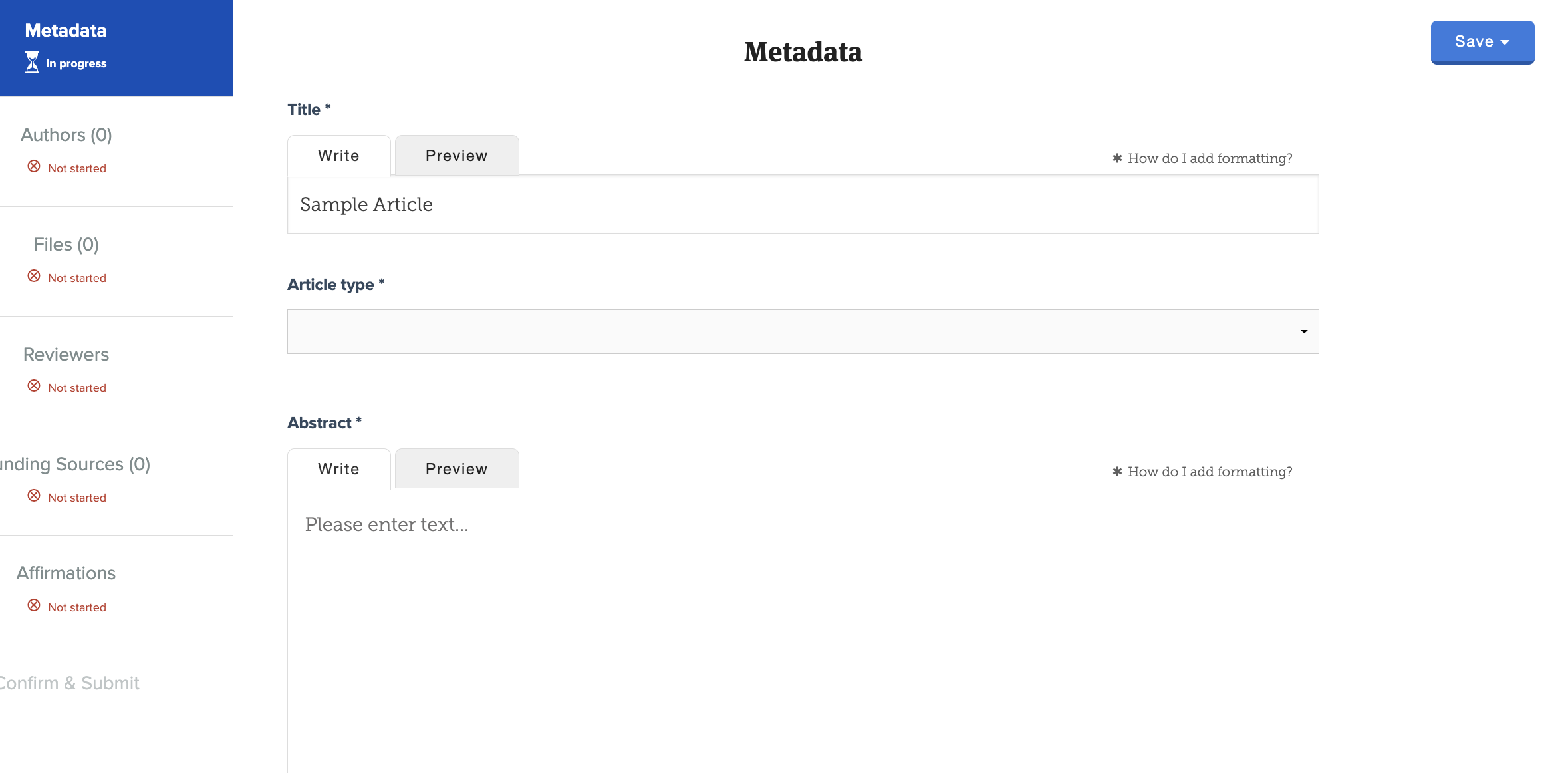
Enter article title, abstract, keywords, all authors with affiliations and ORCID identifiers, article type, and any special edition designation.
Pay the $60 submission fee through Scholastica. The submission fee is nonrefundable. The article APC is paid only upon acceptance.
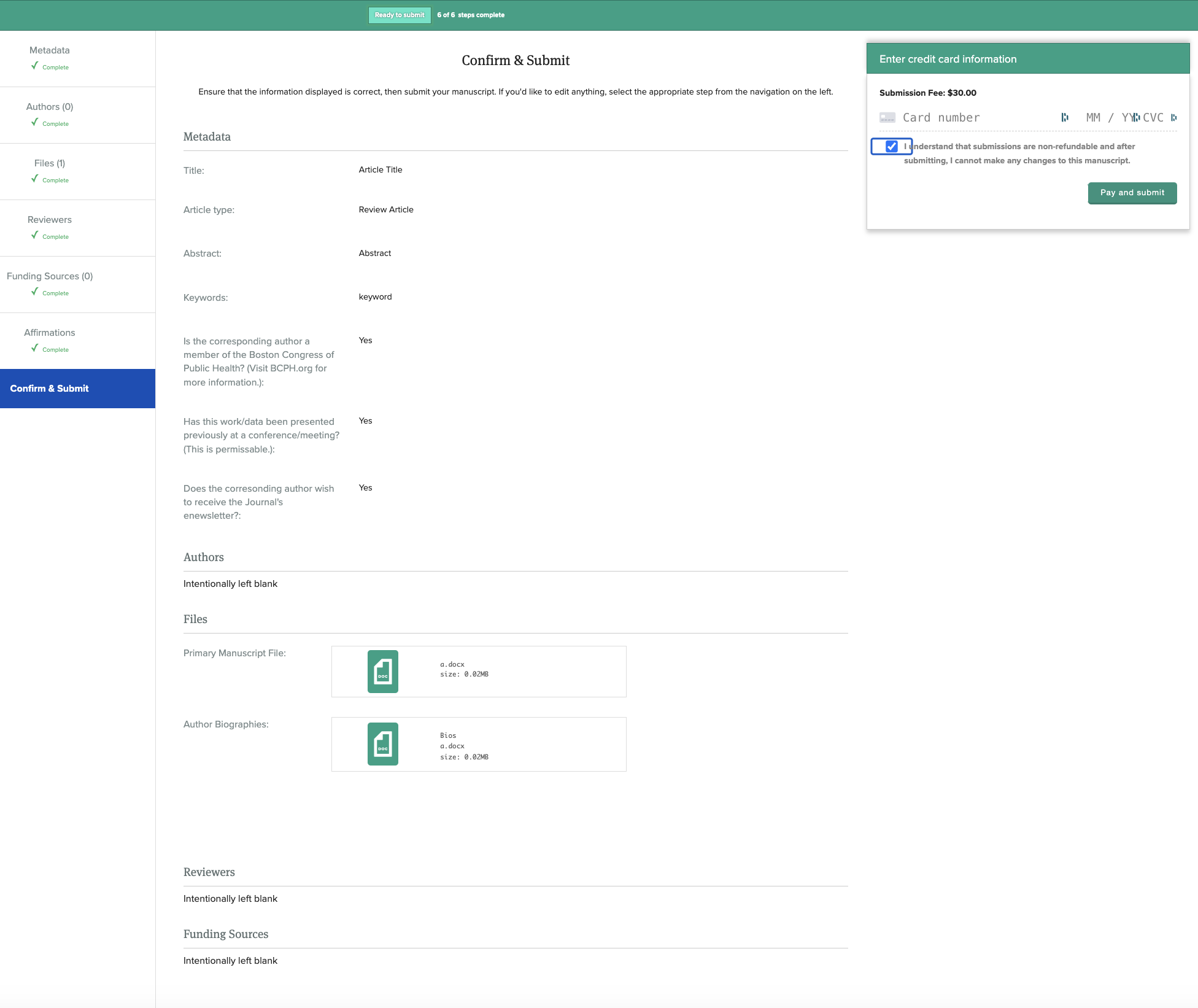
Review the submission summary and confirm. You will receive an email confirmation with a tracking number. The editorial team will begin initial review within one week.
Once your submission is received, Scholastica generates a confirmation email and a tracking number. The managing editor begins initial review within one week. You can check submission status anytime by logging into Scholastica. All editorial correspondence flows through the platform. See the Peer Review Process page for details on what happens after initial review.
Authors retain rights to their work. All BCPHR manuscripts are freely available without charge. Users may read, download, copy, distribute, print, search, or link to full texts without prior permission from the publisher or author.
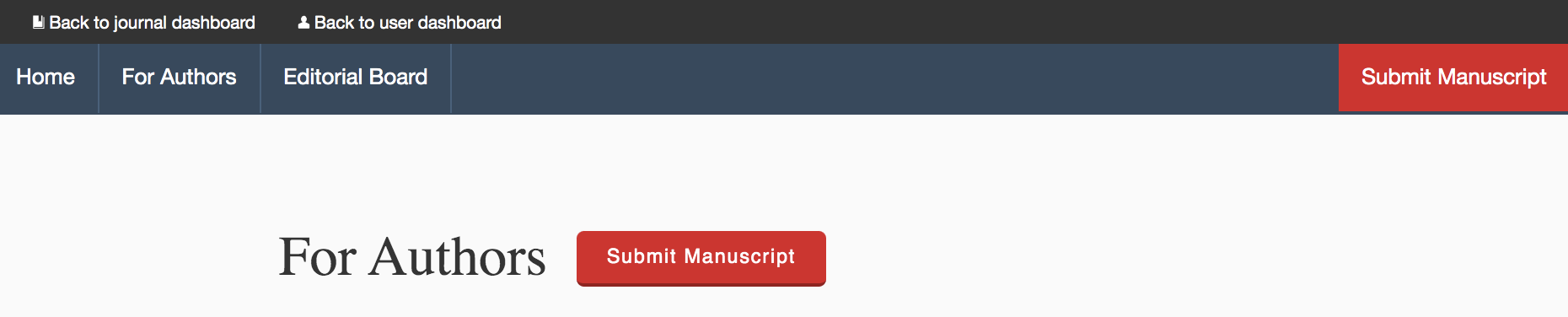
Visit BCPHR’s page on Scholastica or click the button below to enter BCPHR‘s Scholastica home page. Once there, click the “Submit Manuscript” button.

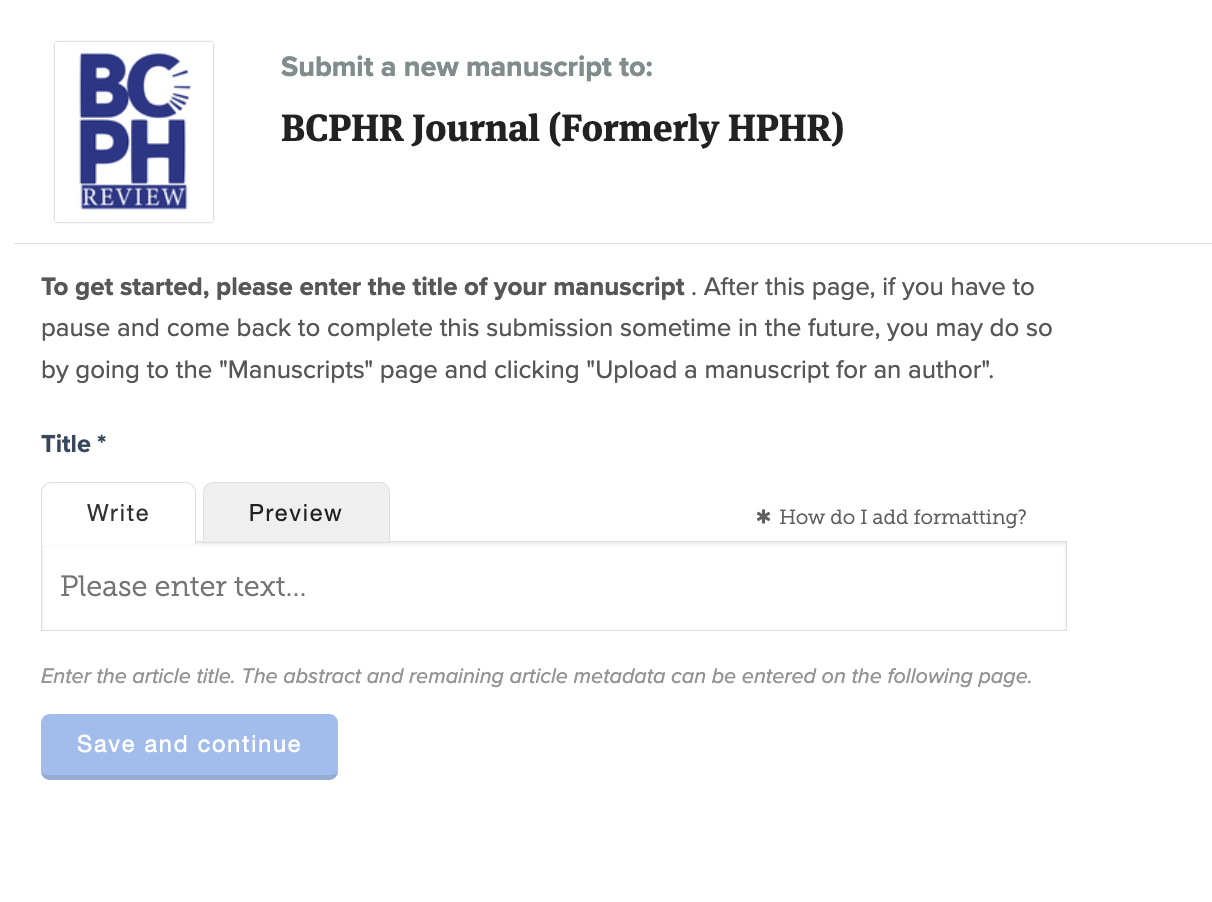
You will be directed to enter the title of your article and then the “save and continue” button.
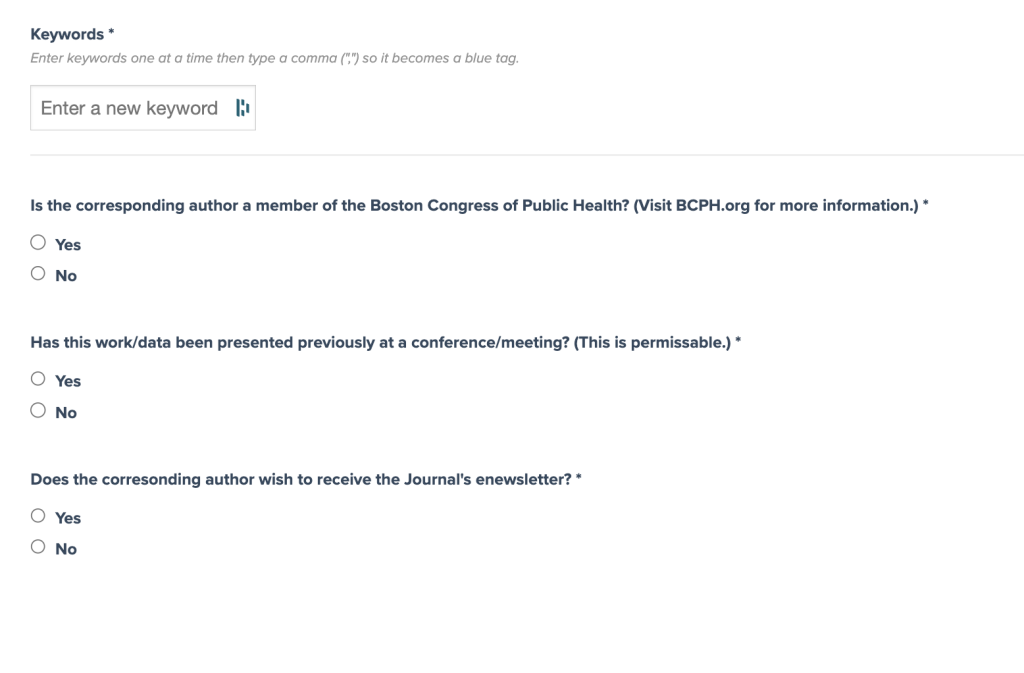
Once you enter the title, you will be prompted to enter the following:
You will then answer yes and no to specific declarations.
To complete this step, opt to “mark this step as complete” as indicated.
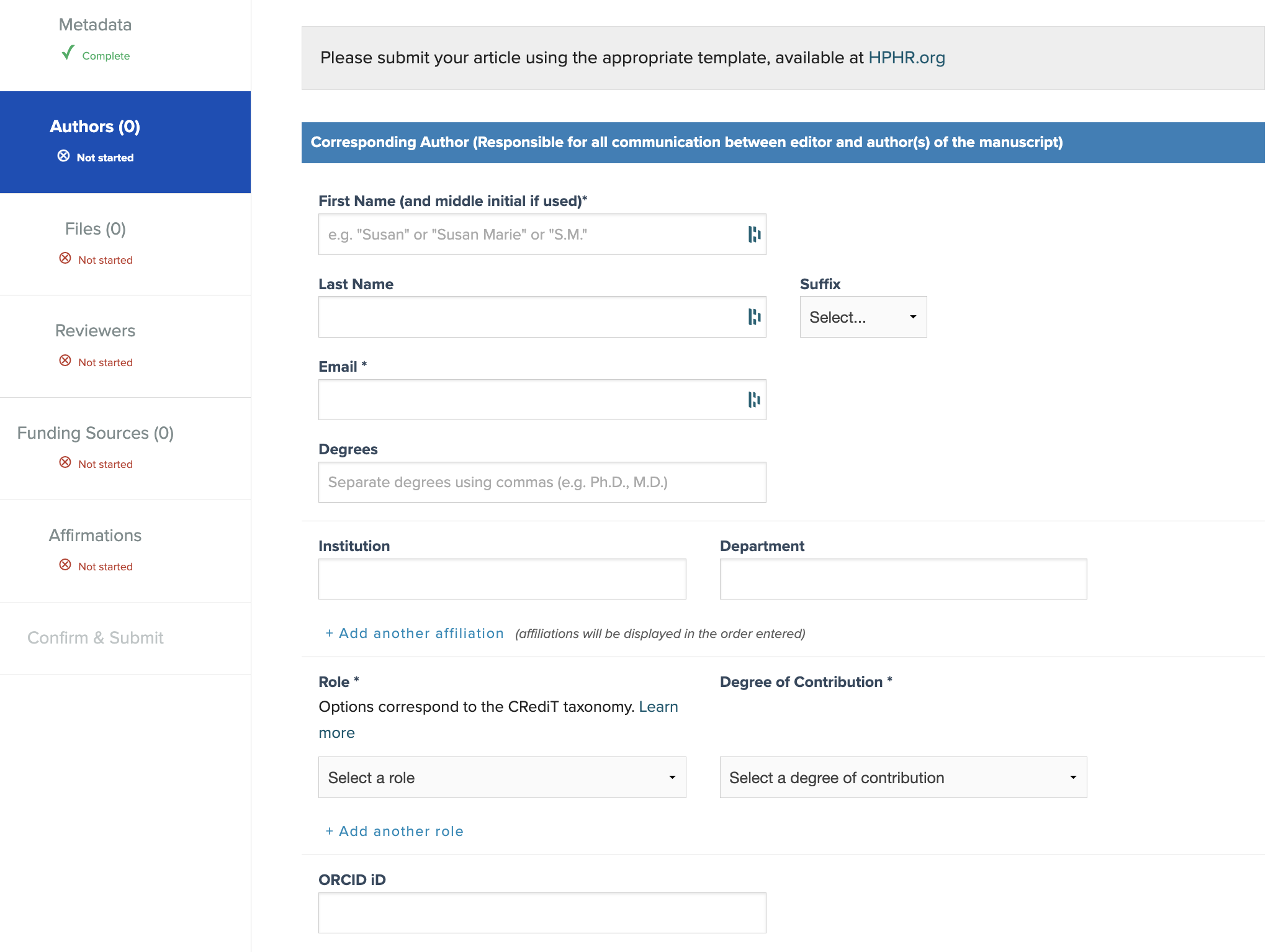
You will then be prompted to add information for the authors. The first author name submitted should be the primary contact. Please be sure to provide ORCID numbers for all authors. These are available free to authors and are available here.
Note: This section requests optional demographic information, which helps us understand who has submitted to the Journal. It is not required. When done, click the blue “Add Author” button.
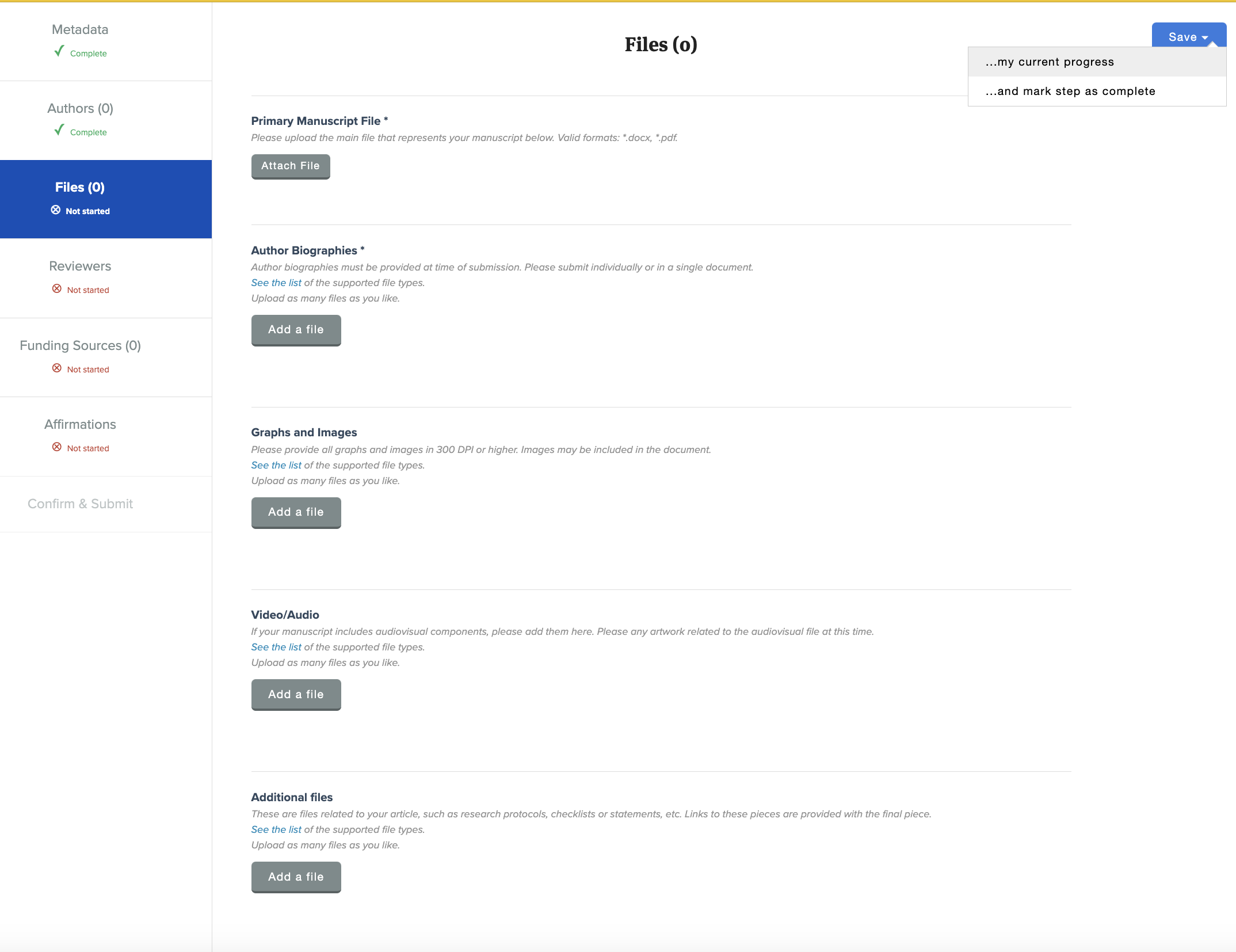
You will then be prompted to upload your manuscript file(s) prepared according to BCPHR‘s Submission Preparation Guidelines.
Please be sure that your primary manuscript is in Word and aligns with all BCPHR guidelines. Authors submitting media may upload additional files as well. Please be sure to submit only high-resolution (300 DPI) images.
You will be prompted to submit separately your Primary Manuscript File and Author Biographies (including their ORCID IDs). Author biographies are also requested to be included in the primary manuscript file, per the template. Graphics and Images and Video/Audio files are to be uploaded separately, as required. Please ensure that your graphics are prepared with appropriate design software and NOT submitted as Word files.
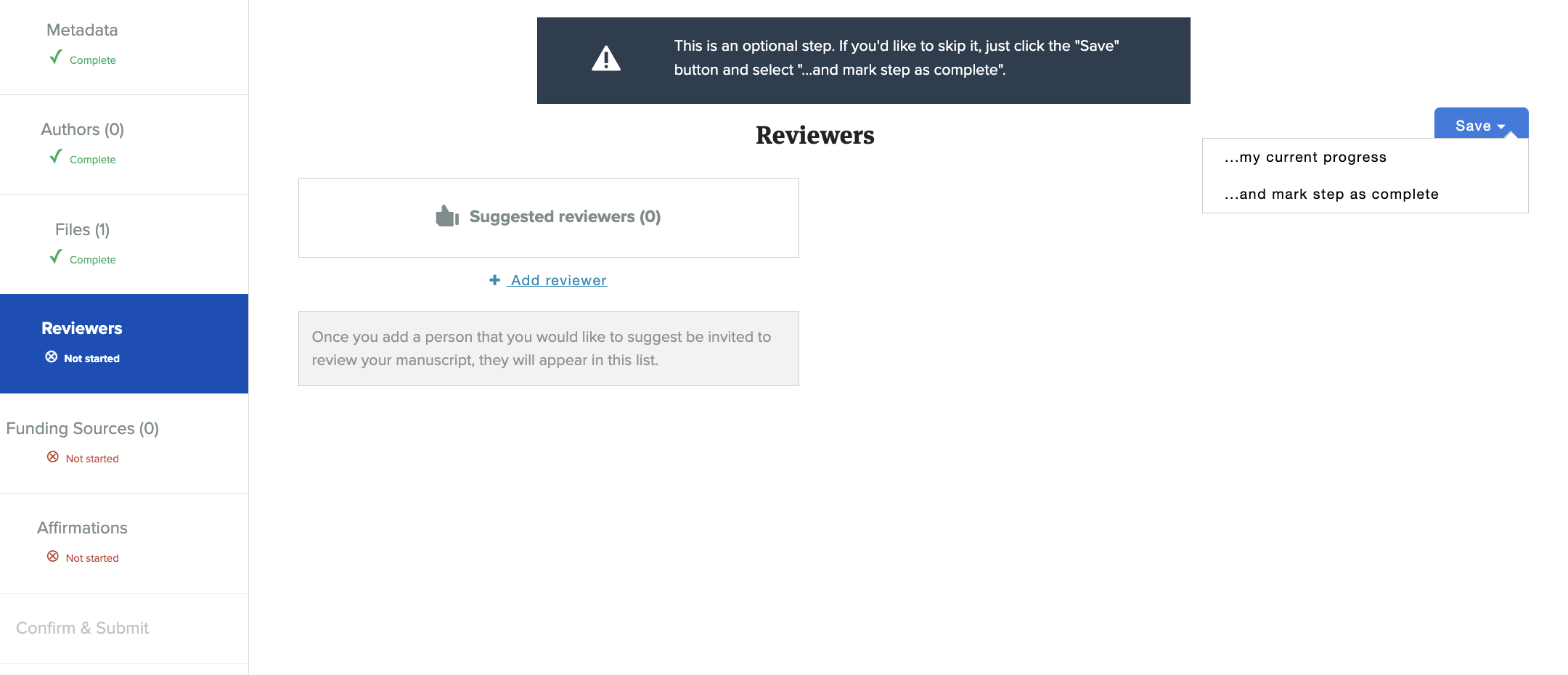
You will be asked to identify potential reviewers for your paper. This is an optional step.
You will note here any funding sources that supported production of your manuscript.
You will then check/tick that you agree with the following affirmations/attestations. Please note that checking/ticking these affirmations indicates that you recognize all terms and conditions associated with submission and publication of manuscripts in BCPHR. Please read them carefully to ensure that manuscript aligns with all requirements prior to submission.
Not preparing your manuscript appropriately will result in desk rejection. (Note again that you are required to use BCPHR templates to prepare your submission.)
Affirmations/Attestations
I confirm that my findings align with the data presented, and that all data and content were collected in an ethical manner, under Institutional Review Board (IRB) oversight as appropriate. (Upon request, I can provide evidence of IRB approval).
I confirm that the language used in this manuscript avoids bias and perpetuation of prejudicial beliefs and/or demeaning attitudes.
I confirm that the manuscript has been prepared using the appropriate template downloaded from the BCPHR.org website.
I confirm that this manuscript, including citations, follows American Medical Association (AMA) 10th edition format style.
I confirm that I will not send solicitations or otherwise aggressively engage the Journal’s editors or editors-in-chief about my manuscript(s). If this is deemed the case, I understand that review of my manuscript will be cancelled and I will be not be permitted to submit to the Journal again.
I understand that I will be charged a $200 fine if I withdraw my manuscript once it has been sent out for review.
I understand that my manuscript is beholden to terms and conditions in place at the time of submission. (See BCPHR.org for more information.)
I understand that if do not follow all of the submission guidelines above and on the websites BCPHR.org and BCPH.org, I will be desk rejected and forgo all submission fees.
I understand that I may make a request to update my accepted manuscript for one-month post-publication. After that time period ends, authors may request an additional update; however, it will be honored only at the Journal’s discretion.
I understand that all submissions published on BCPHR.org are subject to article processing/publication fees, which are due at the time of acceptance. Additionally, I attest that deferral and/or waiver of fees is not available. I will not request such accommodations.
You will then see where you can confirm and submit your manuscript fee. Please see Articles Processing Fees here.